DriveWindow route answer
How long is the drive from San Francisco to Yosemite, and how far is it?
The drive from San Francisco to Yosemite is typically 4 hours and 190 miles via Bay Area to the Sierra Nevada. Allow extra time because mountain snow or freezing conditions at elevation can affect the corridor.
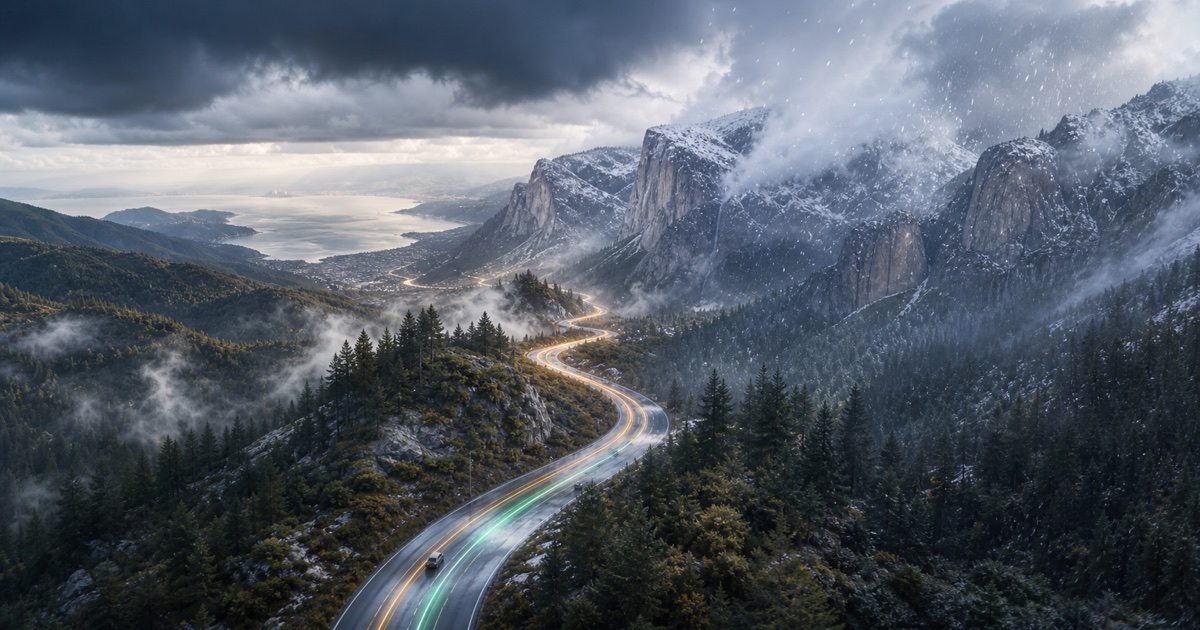
Route facts
San Francisco → Yosemite
- Distance
- 190 miles
- Typical drive
- 4 hours
- Planning baseline
- Morning before mountain weather builds
- Main weather risks
- mountain snow · freezing conditions at elevation · fog and rain near the Bay Area
Plan your departure
Plan this trip in DriveWindow
Choose your travel date and compare departure windows, route timing, segment forecasts, and vehicle-aware risks in the app.
 Download on the App Store
Time and distance
Drive-time baseline and possible delays
- Distance
- 190 miles
- Typical drive
- 4 hours
- Weather-sensitive corridor
- Bay Area to the Sierra Nevada
The usual planning baseline is 4 hours for 190 miles via Bay Area to the Sierra Nevada. It does not include fuel, charging, food, border, park-entry, or weather-related stops.
Allow extra time if the forecast includes mountain snow or freezing conditions at elevation; conditions may affect your pace or require stops.
What to check before leaving
Park drives can shift from Bay Area rain to Sierra snow and freezing conditions. Key weather factors: mountain snow, freezing conditions at elevation, fog and rain near the Bay Area.
- mountain snow
- freezing conditions at elevation
- fog and rain near the Bay Area
Route planning answers
Common questions about this drive
Plan the drive
Route weather planning guides
Start with the question that matches your trip, then finish the current check in DriveWindow.
Practical checklists and road trip planning guides
Sources and methodology
How this answer is produced
Website drive time and distance are static planning baselines. In the app, routing-provider travel time can account for traffic and helps time each weather segment; departure options are then compared by weather risk for your date.
US National Weather Service Environment and Climate Change Canada Caltrans QuickMapYosemite road conditions Route weather methodology Data-source policy
iOS
DriveWindow for iPhone and iPad
Use the app when you need live route planning, saved trips, reminders, driving profiles, sharing, and Calendar export.
Download on the App Store